
Rebuilt dark interface
A calm, low-contrast chrome with translucent transport controls that fade out the moment playback begins.
Every codec and stream the VLC 4 engine plays, rebuilt with a quiet, dark desktop interface designed for modern Windows workspaces.
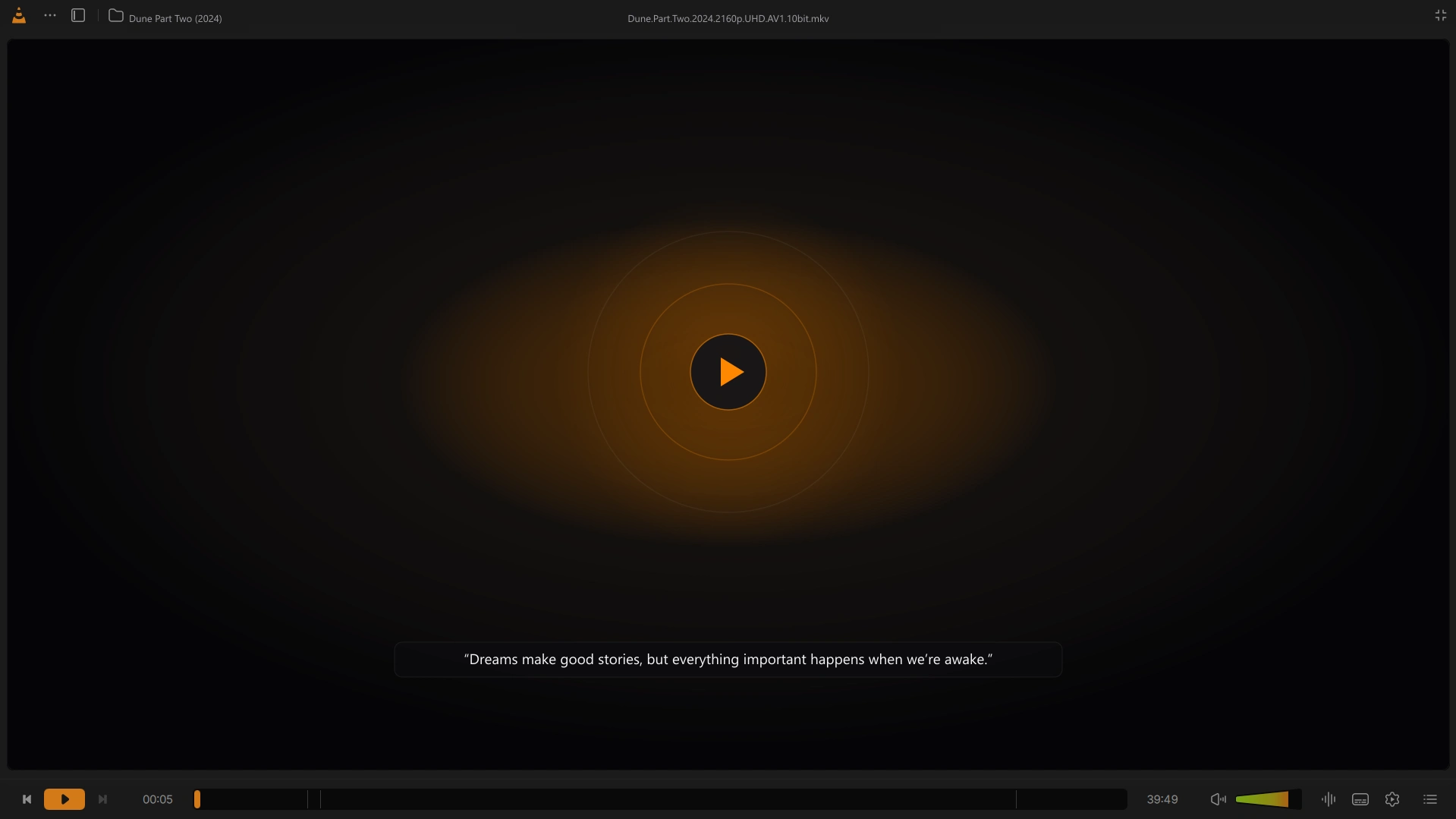
Built on the VLC 4 engine
No codec packs, no configuration wizards, and no legacy chrome. Just fast local playback and clean controls.
A calm, low-contrast chrome with translucent transport controls that fade out the moment playback begins.
Browse local collections with dedicated tabs for videos, music, playlists, and direct folder trees.
Reorder upcoming items with instant up/down controls and switch audio or subtitle tracks from a unified side panel.
Fine-tune the 10-band equalizer, video adjustments, and a visual subtitle sync timeline without leaving the player.
Pin a borderless picture-in-picture window to the corner of your screen or enter an edge-to-edge cinema mode.
Installs into its own directory with isolated preferences and file associations so you can keep both versions installed.
Interface tour
Consistent dark surfaces, crisp typography, and keyboard-first panels across every view. Select any frame to inspect at full resolution.
Release notes
Maintenance release for the in-app updater.
VLC Reimagined checks for updates once a day and can install the new version from inside the player. You can turn this off in Settings.
Direct binaries
Built for Windows 10 / 11 (64-bit). Choose the standard installer for desktop integration or the self-contained portable archive.
Windows 10 / 11 · 64-bit · 57 MB
Branded NSIS setup for Windows 10 and 11 (64-bit). Installs for all users, registers file associations, and coexists alongside official VLC.
e9fccb574f79cda2efce3effe32a2b2d56e9aa22254f65a35e3a547f5e3c8a08Windows 10 / 11 · 64-bit · 88 MB
Self-contained archive for USB drives or restricted environments. Runs without administrator privileges and writes no registry keys.
f61179667eb18a354749582262bfec6ea0ef7edb3f76b6bbe7f947eadc24dec2Questions & answers
Technical details on licensing, installation, privacy, and platform support.
No. VLC Reimagined is an independent, open-source fork licensed under GPLv2+. It is not affiliated with or endorsed by VideoLAN.
Yes. VLC Reimagined installs to %ProgramFiles%\VLC Reimagined, uses a separate AppData configuration folder, and registers independent file associations so both apps coexist cleanly.
Yes. It is completely free and open source under the GNU General Public License v2 or later (GPLv2+), with no ads, paywalls, or bundled software.
View source repositoryThere is no telemetry, analytics, or playback tracking. The only network request the application makes by default is a daily plain-text version check against our update endpoint, which can be disabled in Settings.
Once a day, the player fetches a small plain-text manifest over HTTPS. When a newer version is available, a subtle banner lets you download and install the update in place without losing your settings.
Because this is an independent open-source release, the installer is not code-signed yet. Windows SmartScreen may show “Windows protected your PC”: choose “More info” and then “Run anyway”. Windows will then show a UAC prompt naming an unknown publisher; choose “Yes” to install. Code signing is planned for a future release.
Everything the VLC 4 engine supports out of the box: MP4, MKV, AVI, WebM, MOV, HEVC (H.265), AV1, H.264, ProRes, FLAC, ALAC, MP3, Opus, Ogg, DVDs, Blu-ray (unencrypted), RTSP, MMS, and HLS/DASH network streams.